AI CATEGORY · 6 SPECIALIST TOOLS
AI tools for Video Post
Six specialized video finishing tools—each focused on a distinct post-production bottleneck: stylized short-form captions, translated dubbing, frame restoration, sensor noise removal, AI relighting, and multi-cam color matching.



Video Post

Topaz Video
Upscale old footage, reduce noise, and restore detail frame by frame for archival or delivery.
Video Post

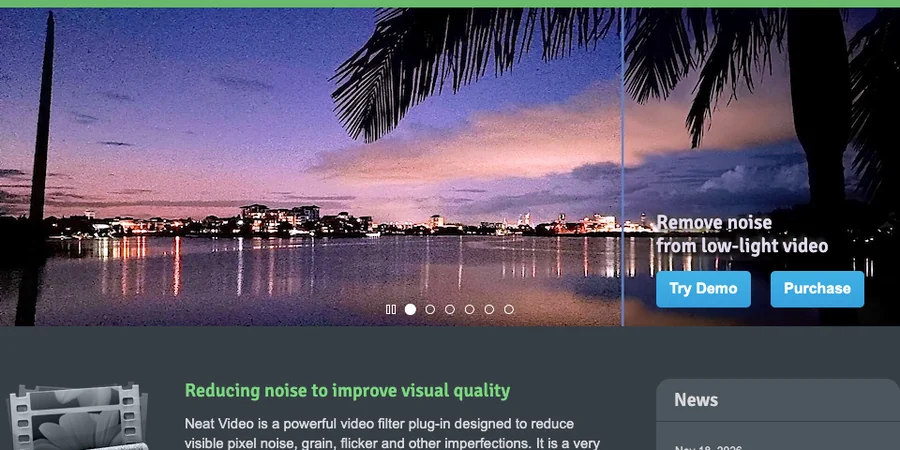
Neat Video
Remove sensor noise and grain from footage with a profile tuned to your camera and ISO.

Video Post

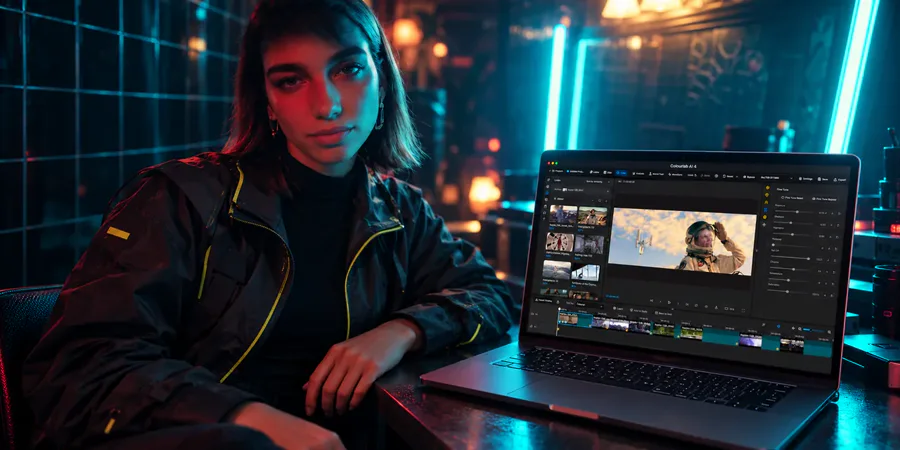
Colourlab AI
Auto-match color across multi-camera footage and apply film looks directly inside Resolve, Premiere, or Final Cut.
Alternatives in Video Post
How to choose a video post-production AI tool
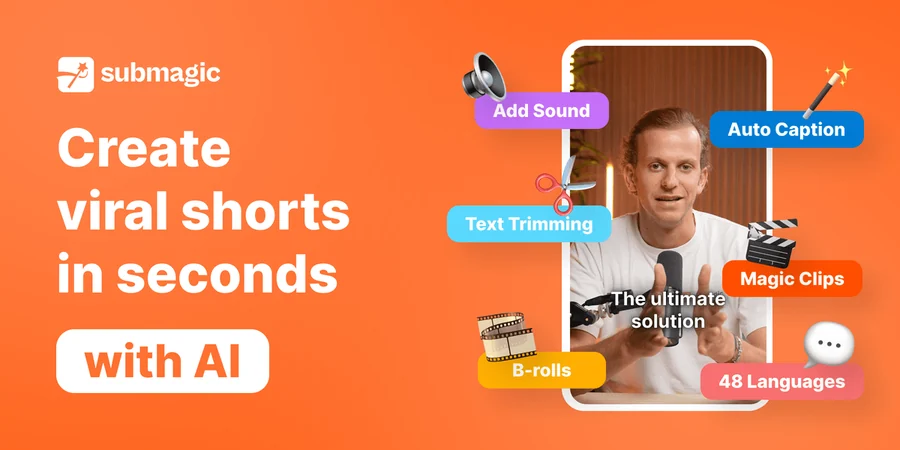
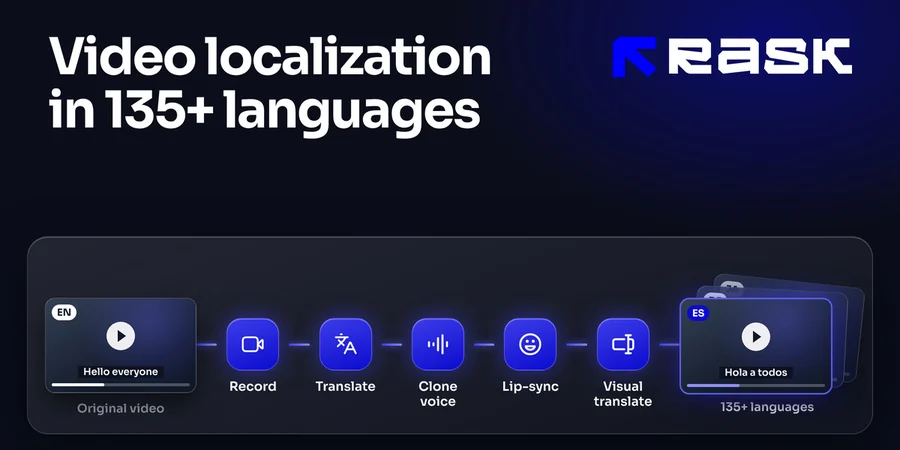
- Match the tool to your delivery step: clean or upscale raw plates with Neat Video or Topaz Video, match color or relight shots with Colourlab AI or Beeble, localize audio with Rask AI, and finish vertical clips with Submagic.
- Check local hardware vs cloud rendering: Topaz Video and Neat Video run locally on your GPU (ideal for large ProRes/RAW files), while Submagic and Rask AI run in the cloud.
- Export a 15-second clip with faces and fast motion first to check for lip-sync drift or over-sharpening.
Frequently asked questions
What is the difference between Topaz Video and Neat Video?
Neat Video is a precision noise-reduction plugin used inside NLEs (Premiere, DaVinci Resolve, After Effects) to remove sensor noise cleanly, while Topaz Video is a standalone suite for upscaling, deinterlacing, frame interpolation, and restoration.
Should I dub or add captions first?
Finish picture lock, cleanup, and color grading first, localize audio tracks (e.g. with Rask AI) if publishing internationally, and burn or attach stylized captions (e.g. with Submagic) as the final social export step.